Ubuntu and Debian via apt
Recommended-
Add the Tibyan repository
curl -fsSL https://apt.altibyan.app/setup.sh | sudo bash -
Install the app
sudo apt install tibyan
Updates then arrive with sudo apt upgrade.
Download
Tibyan is free and ad-free on every platform. Pick the official store for your device, or download the file directly.
The store keeps Tibyan up to date for you.
The same stable release, without a store.
Other Android devices: armeabi-v7a · x86_64 · universal
Linux on ARM (arm64): AppImage · .deb · tar.gz — the apt command below works there too.
The APK can’t update the Google Play version; remove one before installing the other.
Everything stays on your device, with no ads at all.
Al-Muyassar, al-Mukhtasar, al-Jalalayn and al-Jami’ al-Wajiz, classical tafsirs via Quranpedia, and side-by-side comparison.
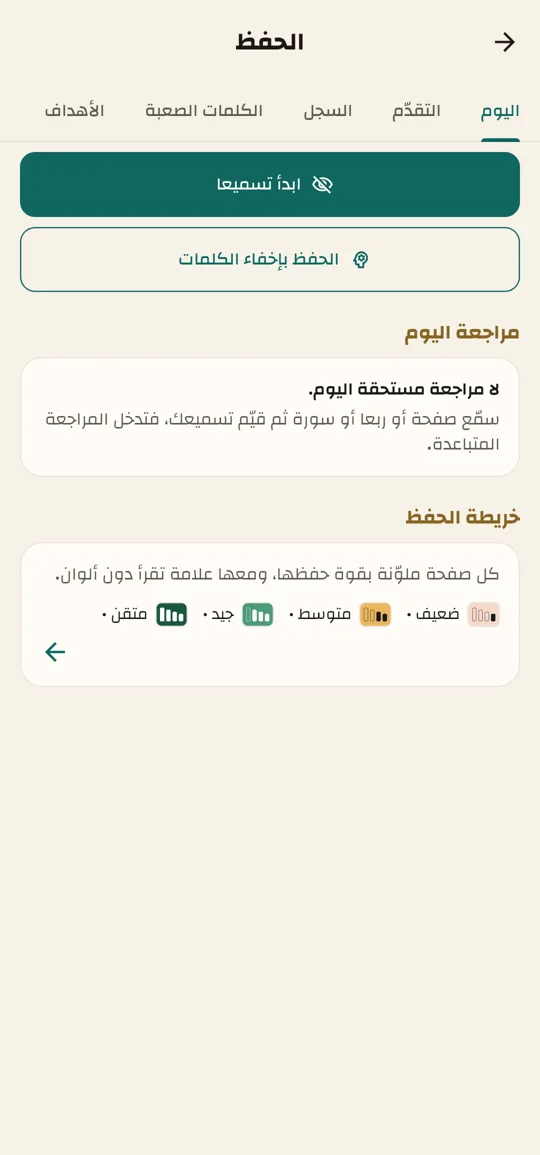
Voice checking runs on your device; your voice never leaves it.
Follow your khatma progress day by day.
Tajweed rules coloured on the text.
The adhan in thirteen muezzins’ voices, set for each prayer, with a full-screen animated scene for each one.
A compass that guides you to face the qibla, a camera view, and a map on desktop.
Morning and evening adhkar with reminders, and the «My prayers» log with a qada counter.
Islamic occasions, with a reminder the day before.
Repeat one verse or a range as many times as you choose.
Search by word or by root, or jump straight to a verse number.
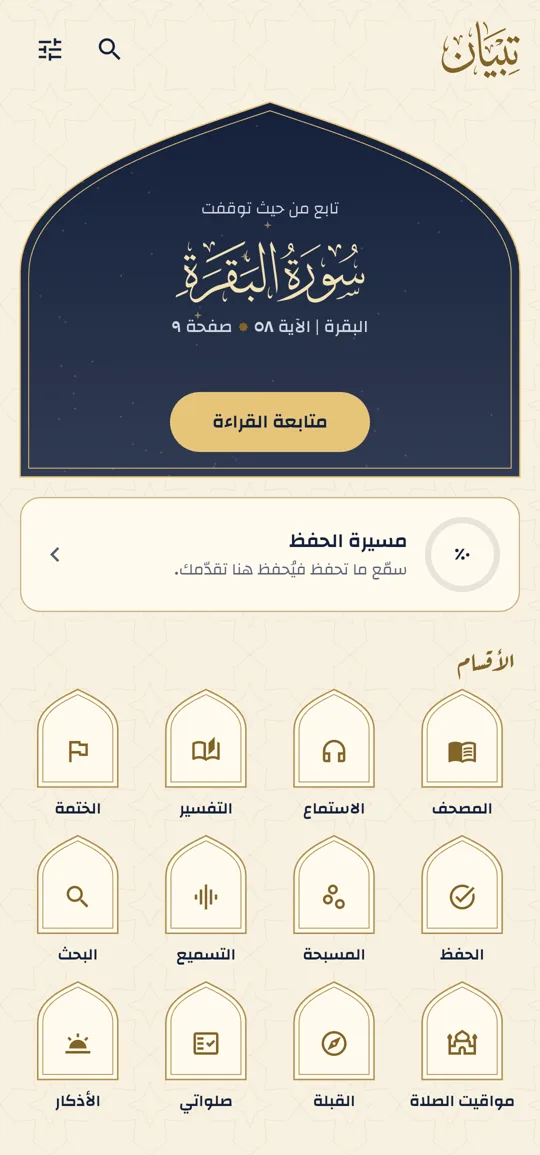
Clearer sections on the home screen, and a sidebar on tablets and desktop.
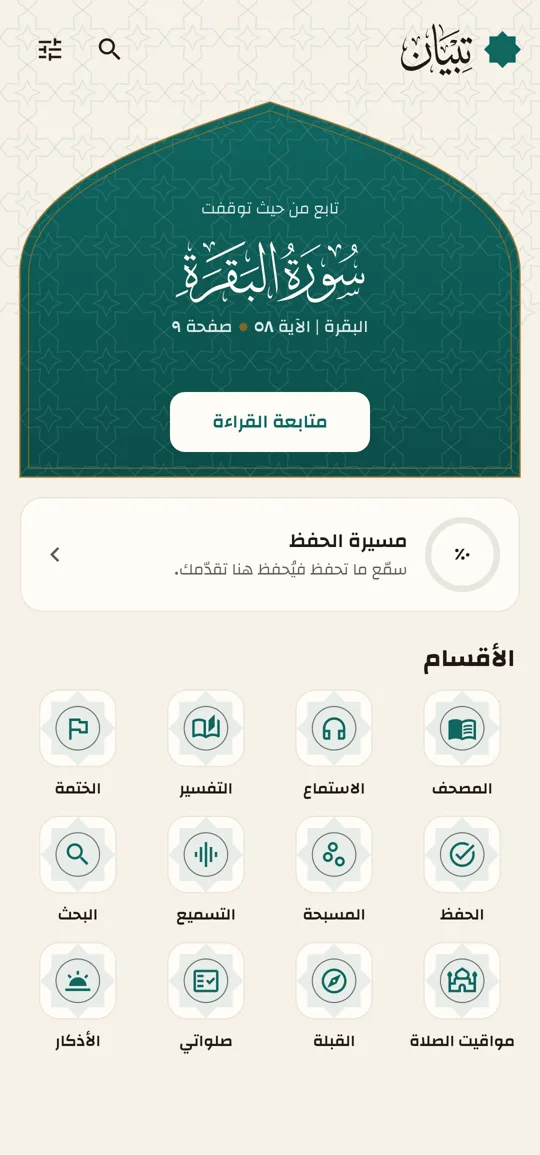
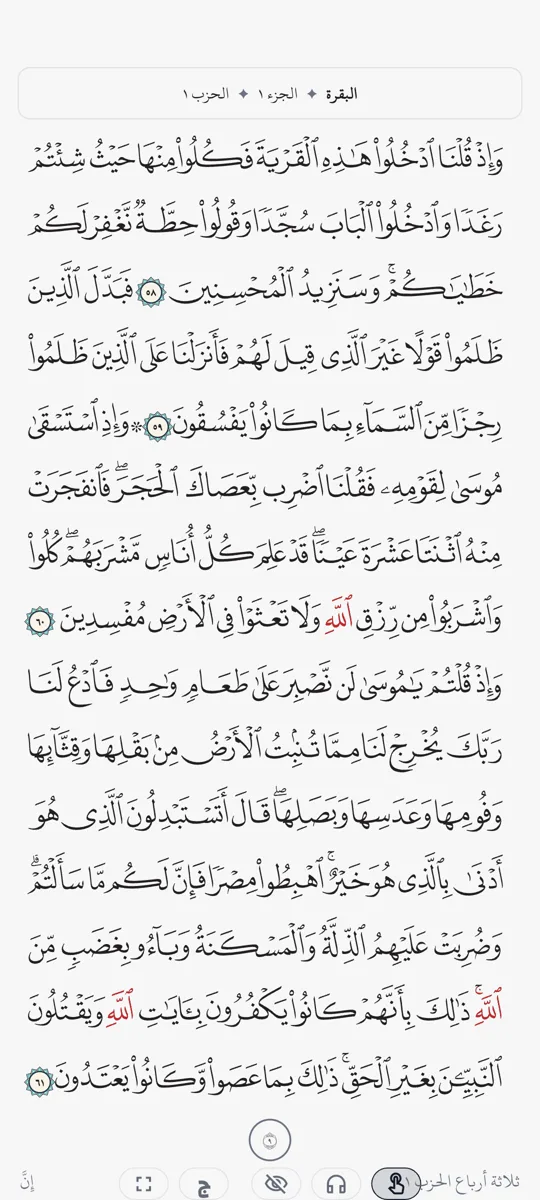
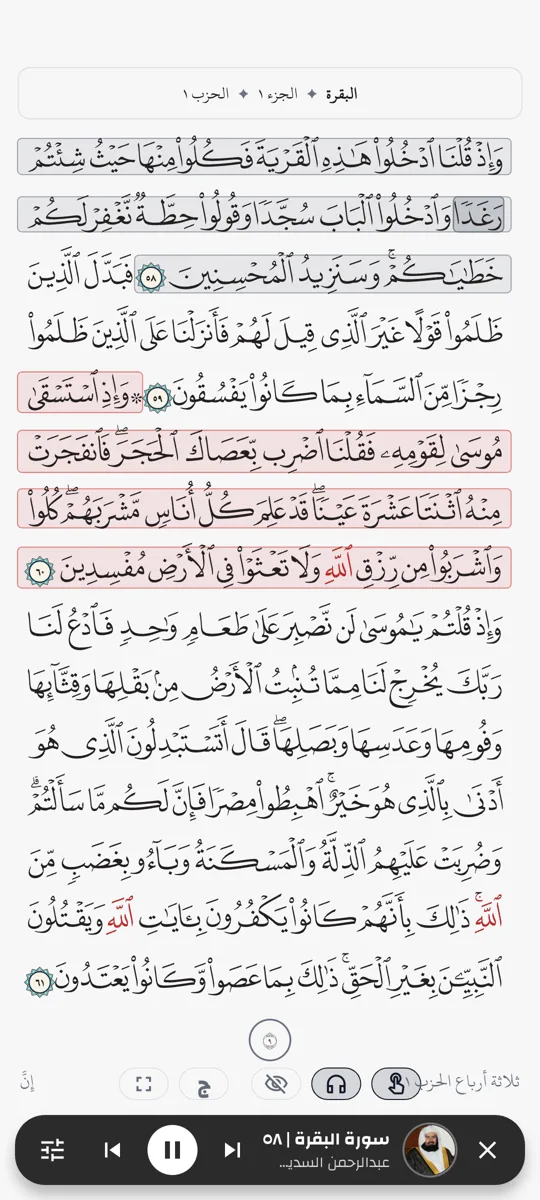
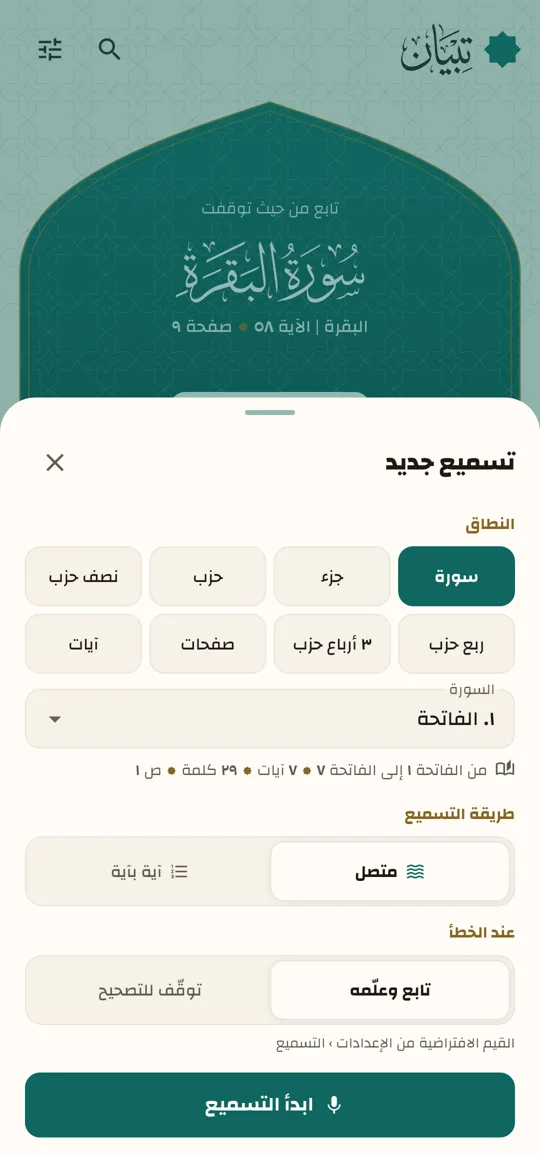
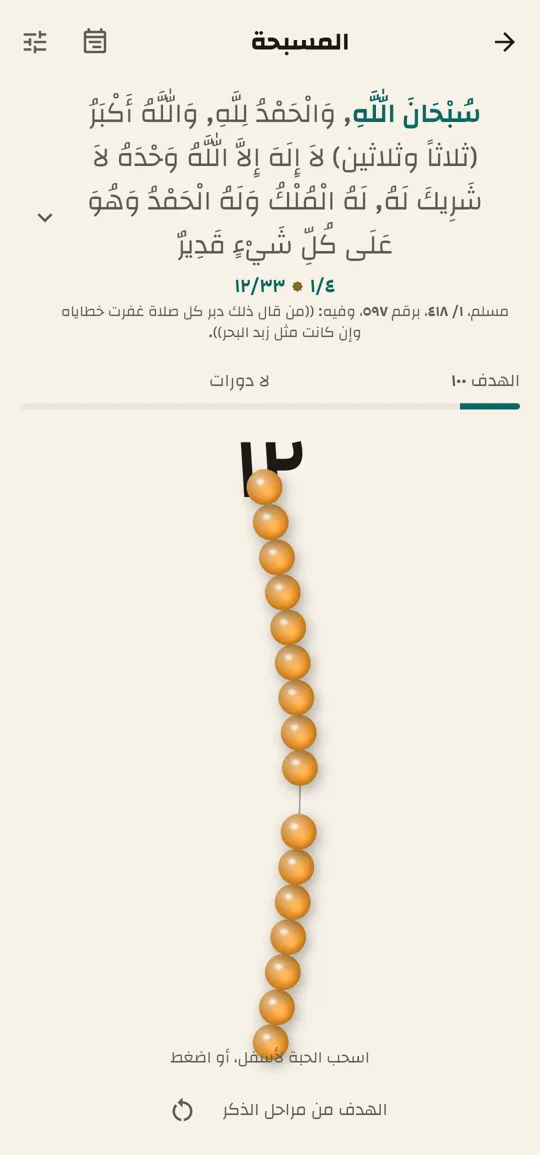
Real screenshots from the current version on a phone.

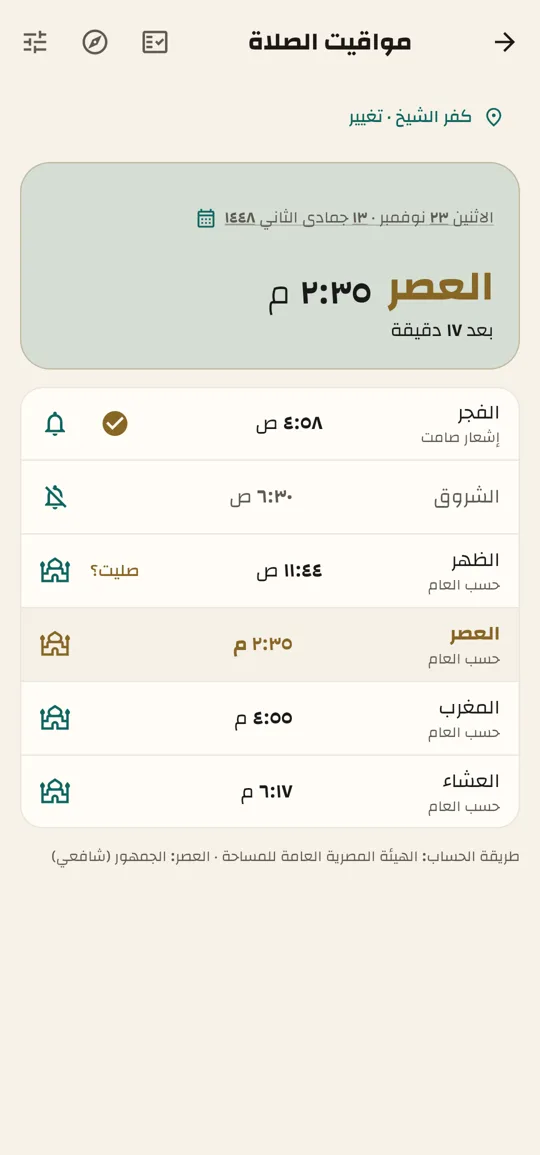

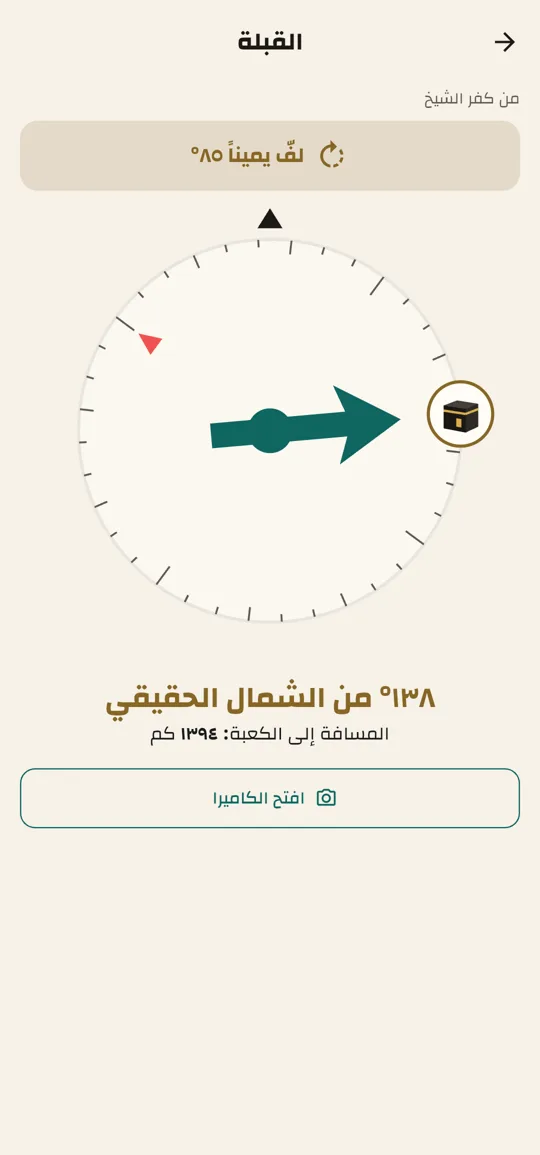
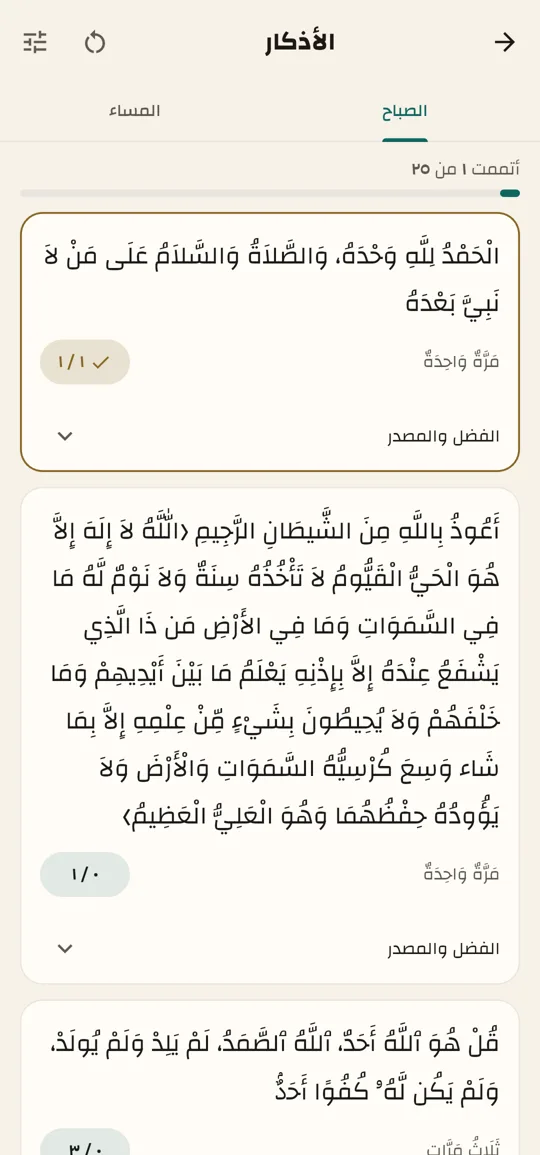
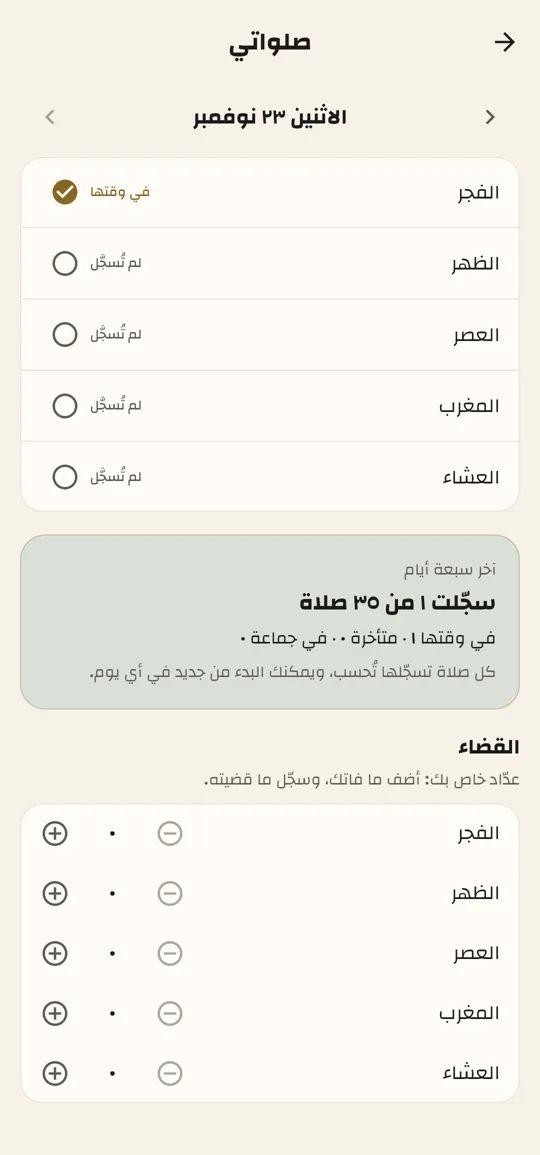
Two ways; the first keeps Tibyan updated with your system updates.
curl -fsSL https://apt.altibyan.app/setup.sh | sudo bashsudo apt install tibyanUpdates then arrive with sudo apt upgrade.
chmod +x tibyan-*-x86_64.AppImage
./tibyan-*-x86_64.AppImage